

Hey,
we love Storyline, and we love Rise, both are amazing tools, but quite different. If you are using Rise regularly, but haven’t yet tried to build something beyond capabilities of Articulate Rise, adding a Storyline block is one of the most obvious choices. We have lots of Storyline blocks that have been designed specially for Articulate Rise. We removed the navigation as Rise has its own navigation (meaning next, back, menu buttons etc). And we have made text larger and overall objects and buttons larger, so when you import them into Rise, they look great even on the phone screens. And the buttons are easily clickable even with my fat fingers :).
Yeah, so Articulate has made it very easy to bridge these two tools together. Here is a 40 second clip on how to easily import Articulate Storyline blocks into Articulate Rise and make your Rise courses more interactive and fun:
And here is a simple video on how to work with Storyline blocks and how to update the texts, images etc to make them align with your course and brand design. And also what is also important, how to import those Storyline blocks into Rise.
And if you have read so far, congratulations we have a treat for you 🙂 Check out these two Storyline blocks for Articulate Rise.
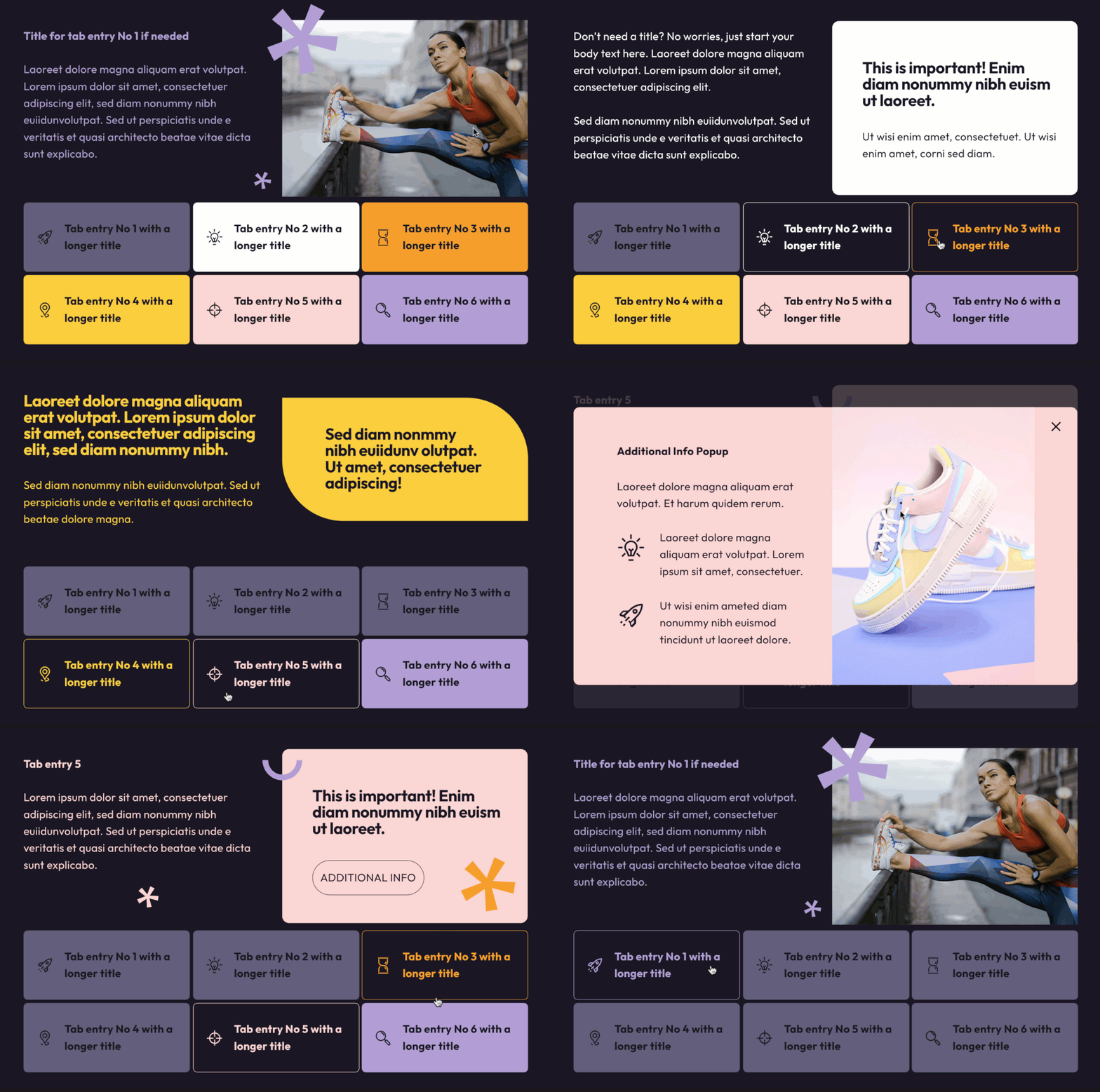
Articulate Storyline block for Articulate Rise – Tabs interaction.
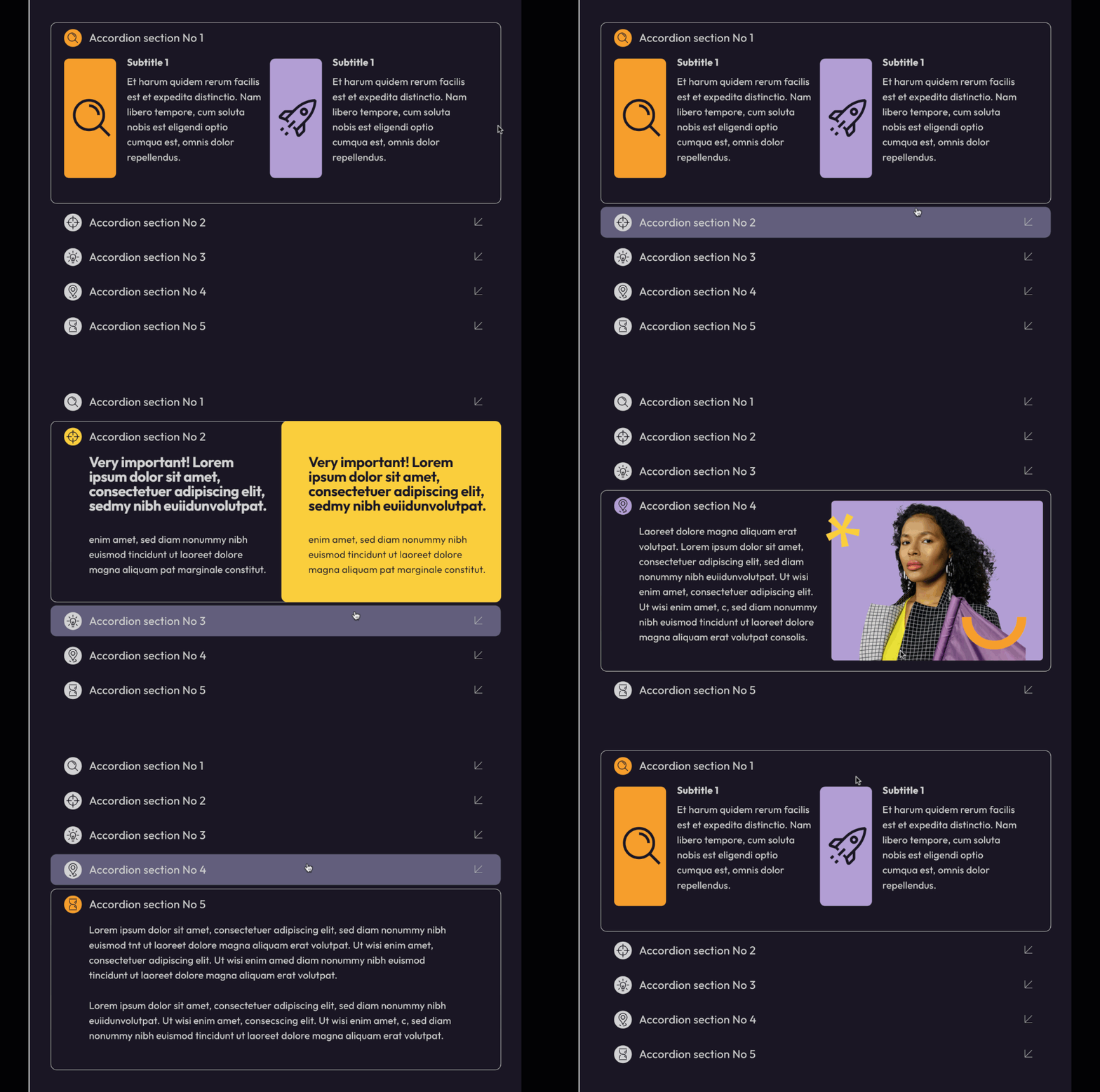
Articulate Storyline block for Articulate Rise – Accordion interaction.
And you can download them for free here:
Free Storyline Blocks for Articulate Rise
Comments